Review & training · 2:17
Market Replay
Learn to replay any session with two symbols on one clock, trade it on a simulation account and keep every trade in your Journal with EliteXCharts, in just over 2 minutes.
Chapters
Step by step
- Open the replay bar from the chart header and pick Symbol 1, Symbol 2, the date and the time
- Load a session that isn't on your computer: it downloads from Rithmic once and stays in the cache
- Pick NQ replay on one chart and ES replay on the other: one clock drives both
- Play, step candle by candle or change the speed on either chart, and both charts follow
- Change the timeframe or the candle type while the replay runs, with no restart
- Trade on a simulation account with a target and a stop, filled at replay prices, with commission
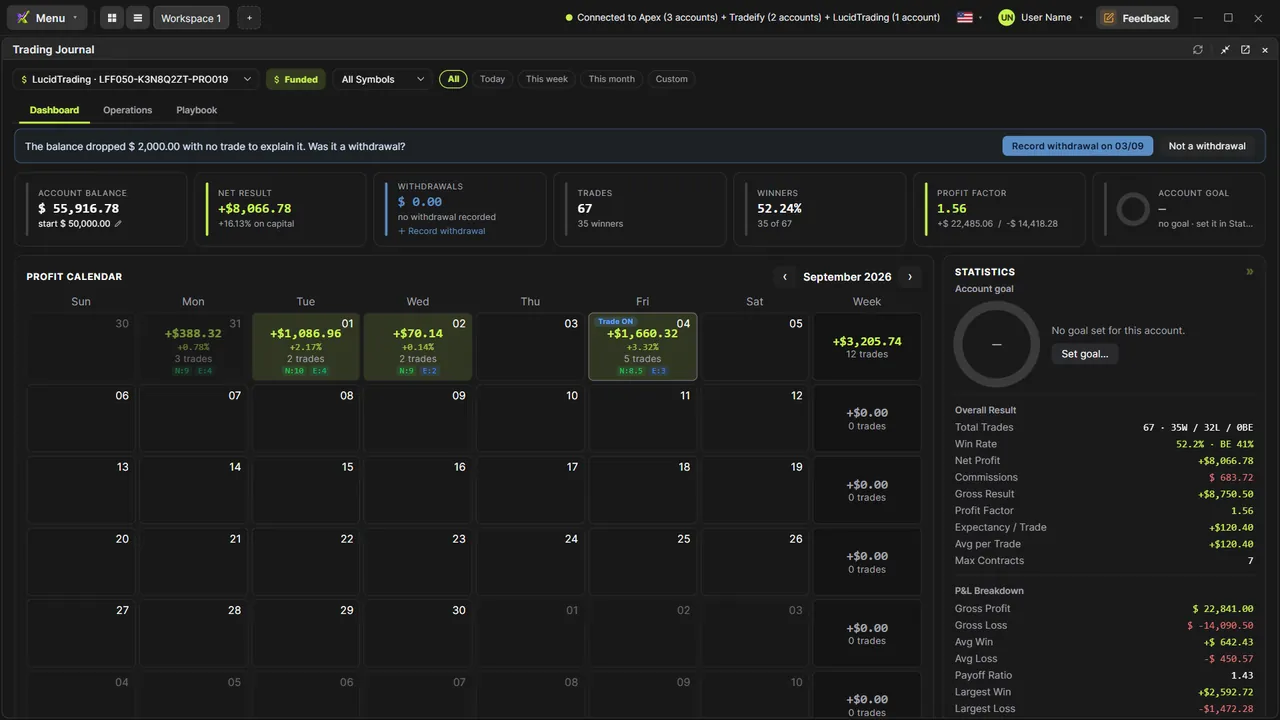
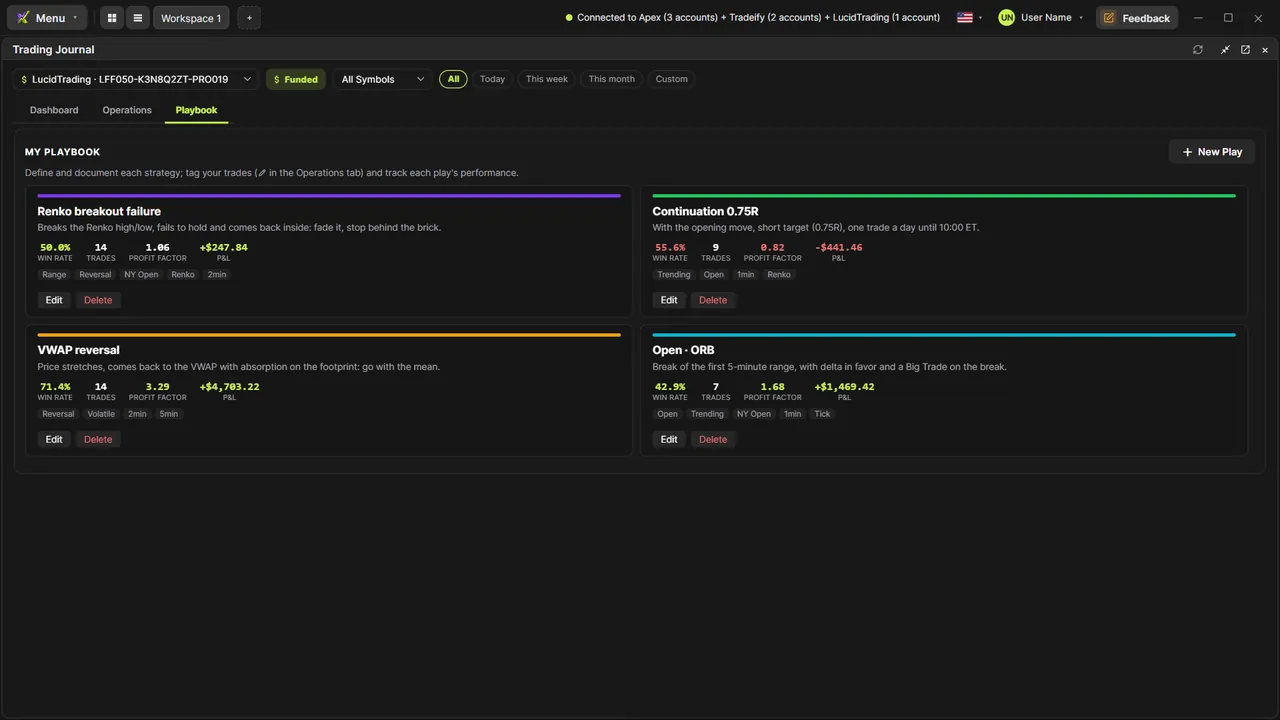
- Find every replayed trade in the Trading Journal, on the day you replayed, to validate a strategy
- Create more sim accounts, see the reset warning on a replayed day, and replay one chart with the scissors
What the narrator says
0:08Welcome to EliteXCharts. In this video: Market Replay. Two symbols on one clock, trading on simulation accounts, and every trade saved to your Journal.
0:18Click the replay button on the chart header. The replay bar opens on top. Symbol 1 is NQ; click Symbol 2 and pick ES. Then set the date and the time.
0:30This session isn't on your computer yet, so Load downloads it from Rithmic. Just wait for the download to finish.
Read the full transcript
0:37When it's done, each chart asks what to show. Pick NQ replay on the left, and ES replay on the right.
0:45Hit play, and both charts run on the same clock, tick by tick.
0:50Pause, and step one candle on the NQ: the ES moves the same time. Step on the ES, and the NQ follows.
0:59Speed it up on one chart, and both speed up: from a quarter of real time to five hundred times.
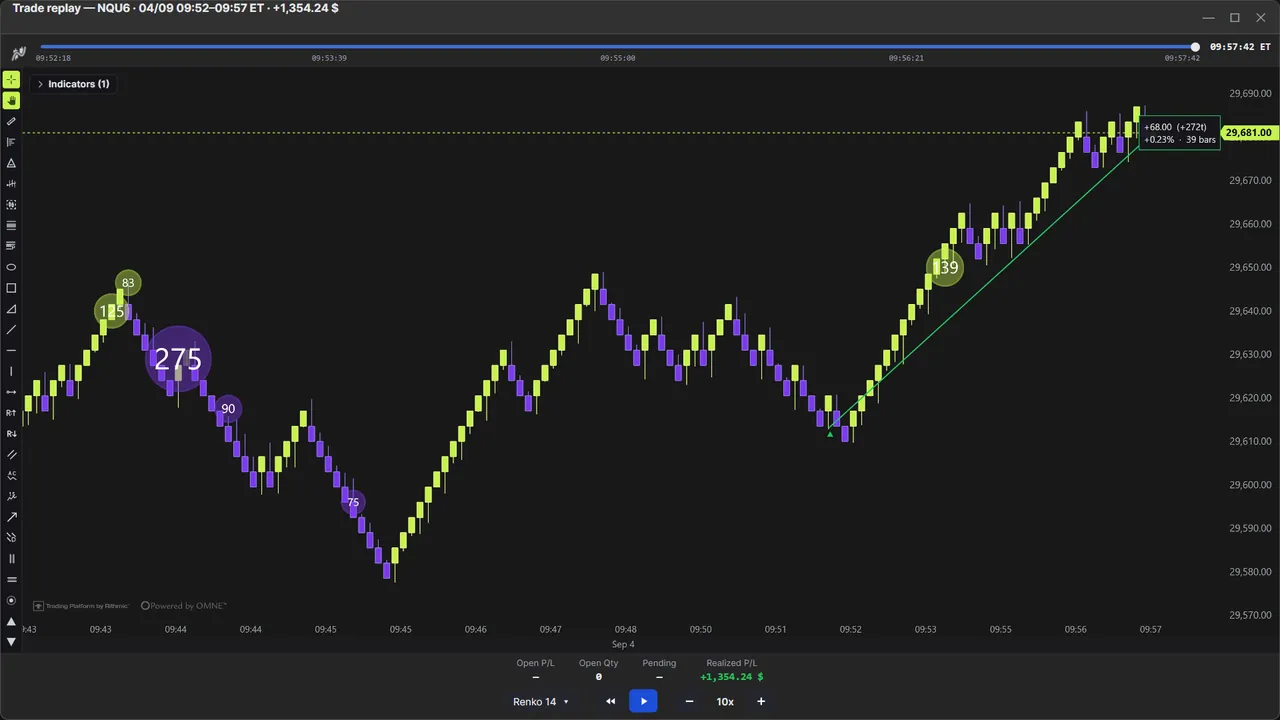
1:05You can change the timeframe or the candle type while it runs. No restart: the chart is rebuilt right where the replay is.
1:13To trade, use Chart Trading on a simulation account. Live accounts stay out of the replay, and orders fill at the replay prices, with commission.
1:23Buy with a target and a stop, and watch the trade play out, as if it were live.
1:30Every trade is saved to the Trading Journal, on the day you replayed. Replay as many sessions as you like, and they all stay there, so you can validate a strategy over weeks, not just one morning.
1:41Replay the same day again with this account, and you get a warning before the first order: continuing resets that day's trades. Go back to keep them.
1:50Or switch accounts. Create as many simulation accounts as you need, and run a different one on each chart, at the same time.
1:58The eject button turns replay off. And the scissors replay just one chart: click where it should start, and only that chart is cut. The others stay live.
2:08That's Market Replay in EliteXCharts: any session, two symbols on one clock, and every trade in your Journal.