Review & training · 1:44
Trade Replay
Replay any trade from your Journal tick by tick, at your speed and on any chart, in under two minutes.
Chapters
Step by step
- Open any trade in the replay from the play button in the Journal's Replay column
- Start two seconds before your first entry, with the previous session loaded for context
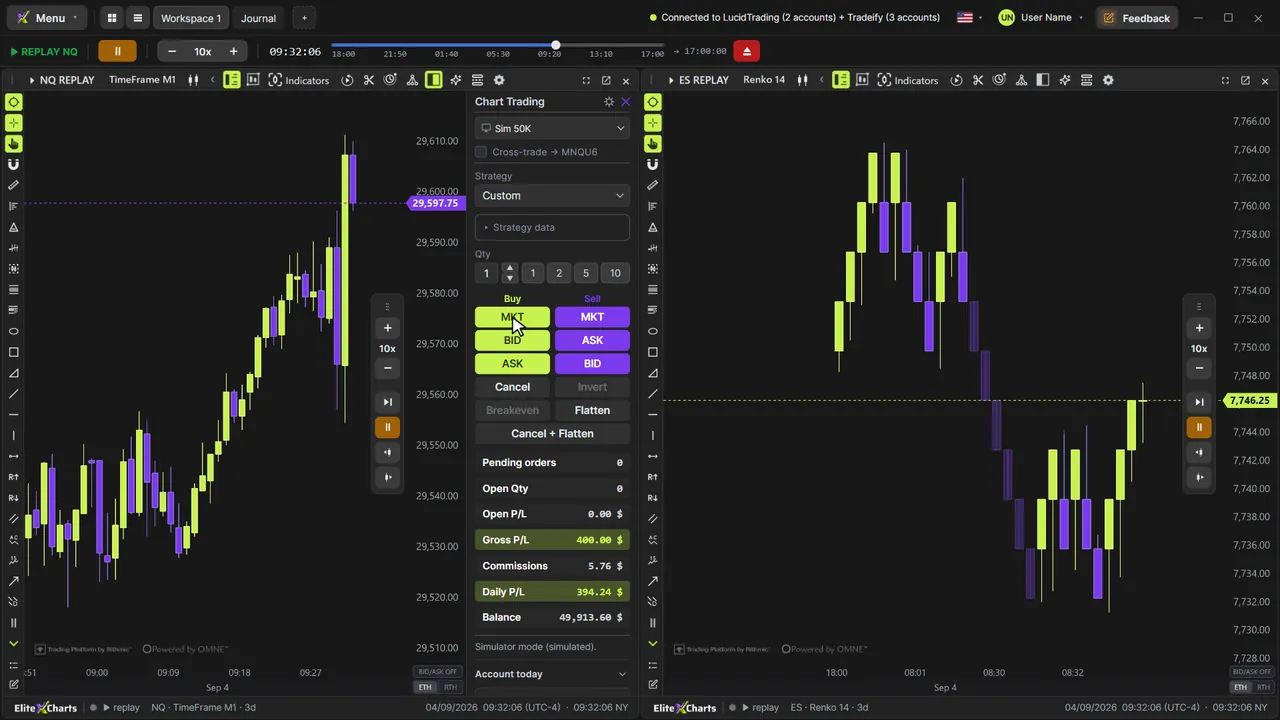
- Watch your fills at the exact price and second, with the position line and live P/L
- Follow open P/L, open quantity, pending orders and realized P/L on every tick
- Set the speed in twelve steps, from 0.25x to 500x, and jump anywhere on the timeline
- Switch to TimeFrame, Seconds, Renko, Tick or Delta in the middle of the replay
- Add indicators like Big Trades, calculated from the same ticks
- Measure the move with the ruler and use the rest of your chart toolbar
What the narrator says
0:08Every trade in your Journal can be replayed, tick by tick, exactly as it happened. This is Trade Replay in EliteXCharts.
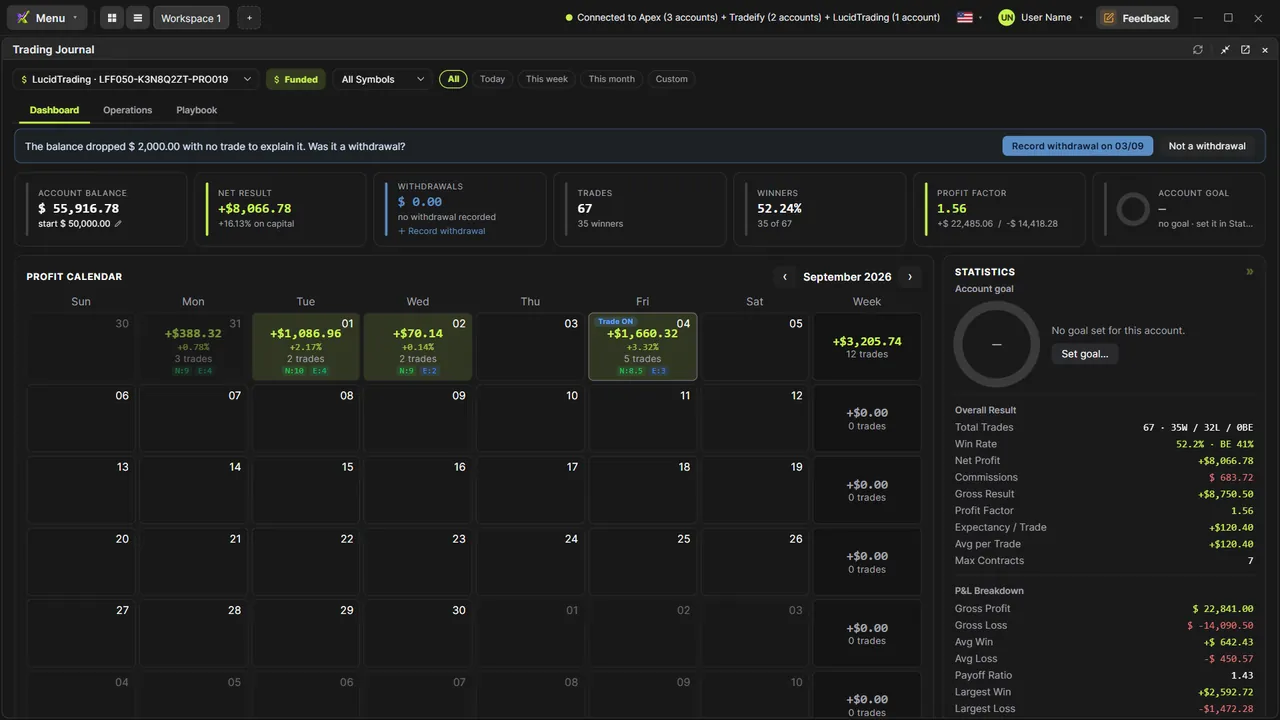
0:16In the Trading Journal, on the Operations tab, every trade has a play button in the Replay column. Click it.
0:23The trade opens in its own window, on the platform's chart. It starts two seconds before your first entry, with the previous session loaded for context.
Read the full transcript
0:32Press play. The replay runs on the real ticks: the buy arrow lands at the exact price and second of your fill, and the position line shows your open profit.
0:42Below the chart: open P/L, open quantity, pending orders and realized P/L, on every tick.
0:49Plus and minus set the speed: twelve steps, from a quarter speed up to five hundred times.
0:55Drag the timeline to jump to any moment of the trade. The back button returns to the start.
1:01Switch the chart type mid-replay: TimeFrame, Seconds, Renko, Tick or Delta. It's the same picker as your chart, and it rebuilds right up to where you are.
1:11Indicators work here too, calculated from the same ticks. Big Trades shows the 139-contract buy that came in during your trade.
1:19Press play again. At the exit, the sell arrow closes the position, and the realized P/L shows the result, commissions included.
1:27Your chart toolbar comes along: measure the move with the ruler, draw levels, or add a VWAP or a volume profile.
1:36That's Trade Replay in EliteXCharts: any trade from your Journal, tick by tick, at your speed, on any chart.