Review & training · 1:50
Playbook
Learn to document your strategies and tag every trade with the Playbook in EliteXCharts, in under 3 minutes.
Chapters
Step by step
- Open the Trading Journal from the + next to the workspace tabs and go to the Playbook tab
- Read each play's card: color, name, description, market conditions and timeframes
- See win rate, trades, profit factor and P&L per play, from the trades you tagged with it
- Create a play with New Play: name, description, color and the minimum risk to reward
- Add market conditions, timeframes, entry criteria, confluences, management and exit rules
- Tag a trade with Annotate trade, from the Operations tab or the calendar's day panel
- Record the play, the plan, mistakes, the exit, execution quality, grade and emotional level
- Compare your plays on the Dashboard and track your discipline in Discipline & Review
What the narrator says
0:08Welcome to EliteXCharts. In this video: the Playbook, where you document every strategy you trade and tag each trade with the one you took.
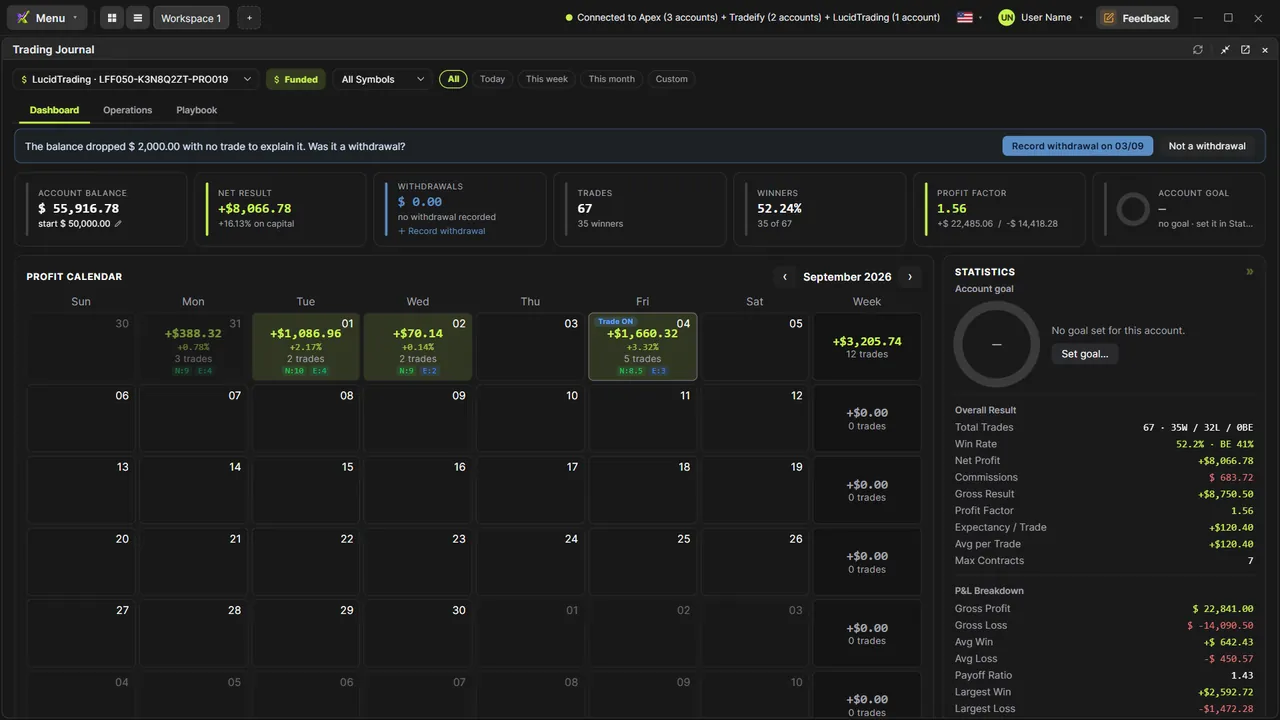
0:17Open the Trading Journal from the plus next to the workspace tabs, expand it, and pick your account. The Playbook is the third tab.
0:25Each play gets a card: its color, name and description, and its numbers, win rate, trades, profit factor and P&L, counted from the trades you tagged with it. Below them, the conditions and timeframes you trade it in.
Read the full transcript
0:39New Play opens the form. Give it a name and a description, pick a color, and set the minimum risk to reward.
0:46Mark the market conditions and timeframes, write the entry criteria, one per line, and pick the confluences you look for. The plus adds your own options. Then your management and exit rules, and Save Play.
0:59Now tag a trade. In Operations, the Annotate button on each trade opens the note. In the calendar, it's the pencil in the day's panel.
1:08Pick the play from your Playbook, confirm you followed the plan, mark any mistakes and how the exit went, rate the exit, then grade the trade and your emotional level.
1:18Save the note: the trade shows the plan, grade, emotion and exit, and the play's card counts it, losses included.
1:26On the Dashboard, Discipline and Review shows how often you followed the plan and your average grade, the Setups chart puts your plays side by side, and each calendar day shows its average grade and emotion.
1:39That's the Playbook in EliteXCharts: every strategy written down, every trade tagged, and each play's results side by side.