Getting started · 1:22
Themes and colors
Make EliteXCharts yours: ready-made chart themes, your own candle colors and the look of the whole platform, in about a minute and a half.
Chapters
Step by step
- Open Menu, Global Settings / Themes: the window stays open while your charts change
- Pick a ready-made theme in the Theme gallery: the chart, your orders and the Chart Trading change at once
- Go back to the factory colors with EliteX Dark
- Set your own candle colors, background, grid and drawings in Custom Global Theme
- Save your colors as a new theme and find it under My themes
- Change the look of the platform in System Colors: top bar, tabs, headers and windows
- Everything goes to the cloud with your setup: Ctrl+S, or save when you close the platform, and sign in on any computer to get it back
What the narrator says
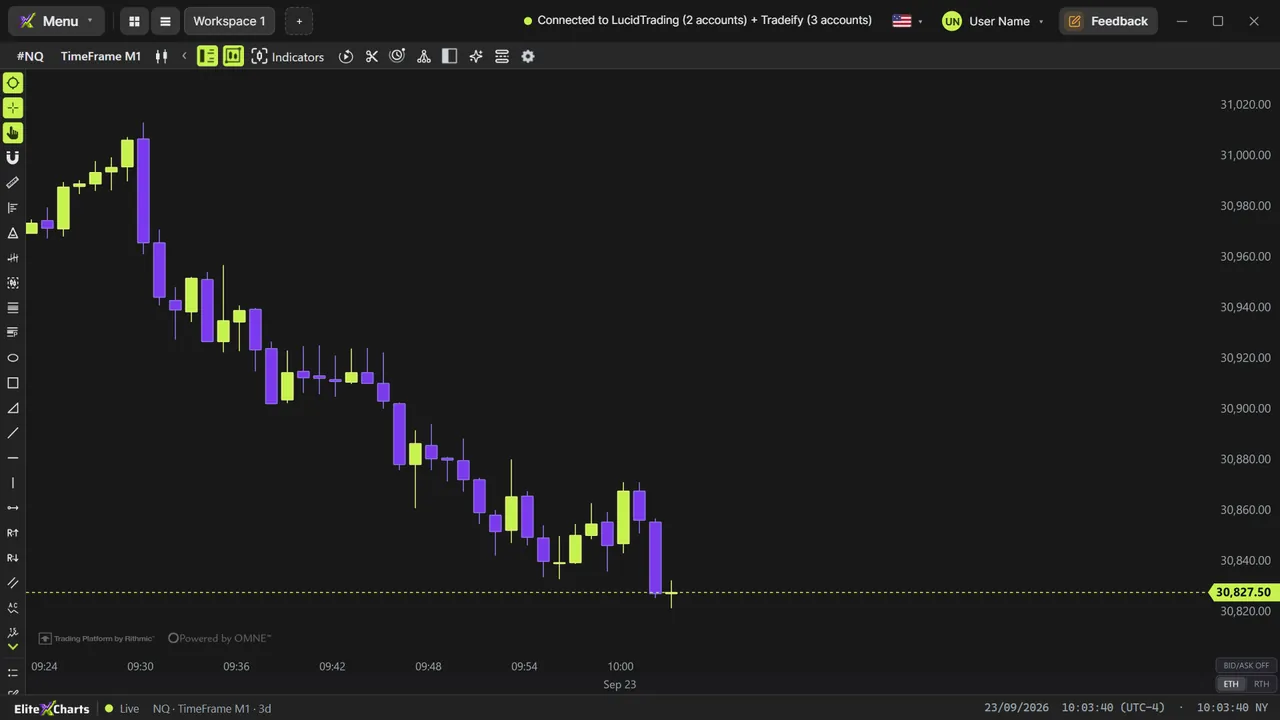
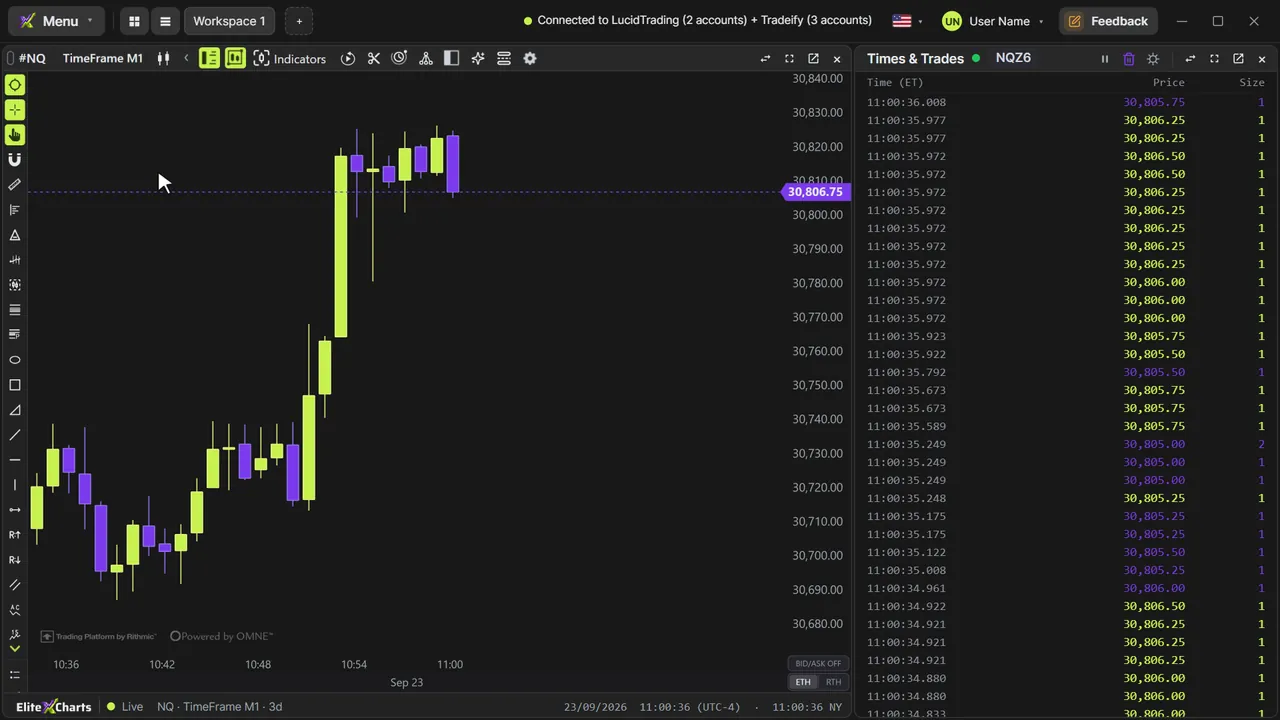
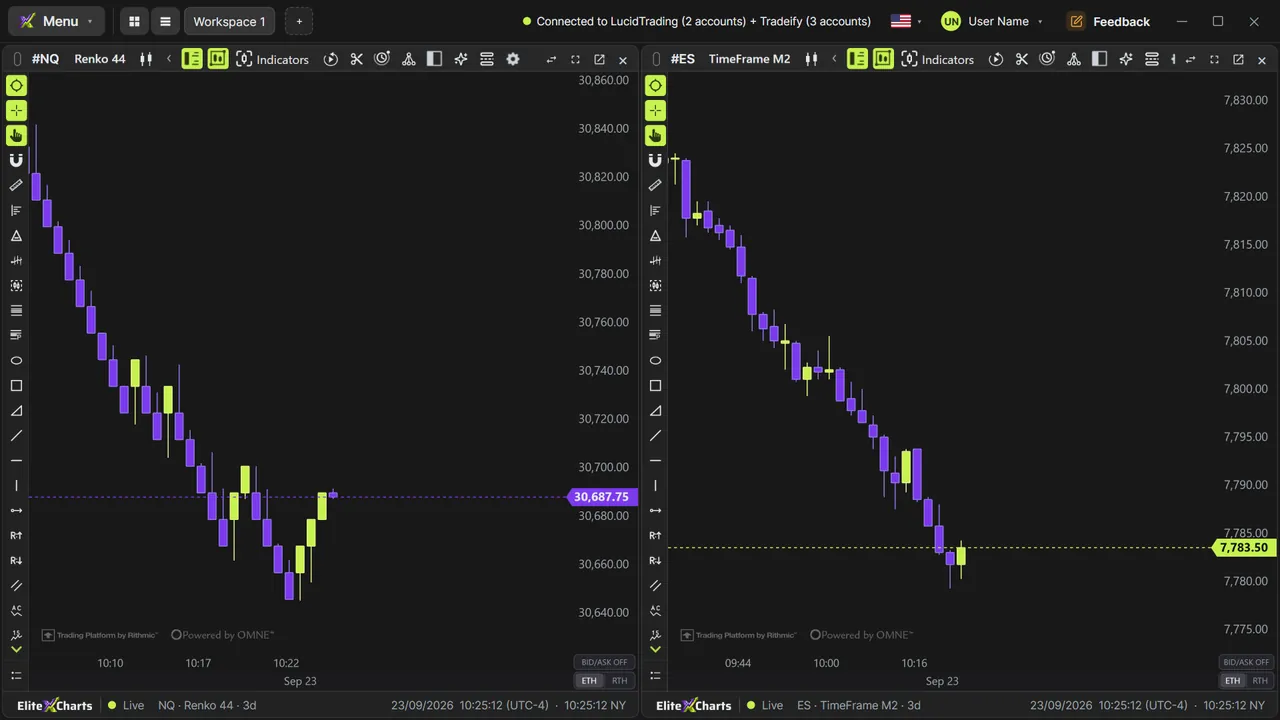
0:08EliteXCharts starts in lime and violet on a dark chart, but you can make it yours: ready-made themes, your own colors, and the look of the whole platform.
0:18Open the Menu and click Global Settings / Themes. The window stays open while you work, so every change shows up on your charts right away.
0:26The Theme gallery has ready-made themes. Click Aurora, Monokai, Graphite or Cyberpunk, and every chart changes at once. EliteX Dark brings back the factory colors.
Read the full transcript
0:38For your own colors, open Custom Global Theme. Pick the up and down candles, the background, the grid and the drawings, and watch them change live. Then click Save as a new theme, give it a name, and it joins the gallery, under My themes.
0:53System Colors is the look of the platform itself: the top bar, tabs, widget headers and windows. Pick Midnight Blue, and it changes everywhere.
1:02Everything is saved to the cloud with your setup: press Control S, or save when you close the platform, and sign in on any computer to get all your colors back.
1:13Ready-made themes, your own colors, and the look of the platform: EliteXCharts, your way.