Getting started · 1:56
Connect your Rithmic account
Learn how to connect the Rithmic account from your prop firm or broker to EliteXCharts in under 2 minutes.
Chapters
Step by step
- See why data and orders come from your own Rithmic account, and why charts stay locked until you connect
- Open Connections from the Menu, the connection status at the top, or Connect Rithmic account on any chart
- Add a connection: a nickname, the System (your prop firm or broker), the Gateway and your Rithmic username
- Save your password encrypted on this computer, and turn on Connect automatically when the app opens
- Check the top bar for your firm and how many accounts it has, as the lock goes away and the chart loads
- Connect logins from more than one firm, and every order goes out through the login that owns the account
- Close any other platform using the same login before you connect: Rithmic allows one place at a time
- Expect logins to fail during weekend maintenance, and a dropped connection to reconnect by itself
What the narrator says
0:08Welcome to EliteXCharts. In this video, you'll connect your Rithmic account, so your market data and your orders flow into the platform. It takes about a minute.
0:17EliteXCharts doesn't sell market data. Your data and your orders come from your own Rithmic account, the one from your prop firm or broker. Any firm that runs on Rithmic works, and until an account connects, the charts stay locked.
0:31To connect, open Connections. It's in the Menu, but you can also click the connection status at the top, or Connect Rithmic account on any chart.
Read the full transcript
0:40Click Add connection. Give it a nickname, then choose the System, which is your prop firm or broker, and the Gateway, usually the one closest to you. Both lists come straight from Rithmic. Type your Rithmic username, the one your firm sent you, and click Save.
0:56Now click Connect and enter your Rithmic password. Save password on this machine comes checked. It's stored encrypted, only on this computer, so next time it's a single click. With the password saved, you can also turn on Connect automatically when the app opens.
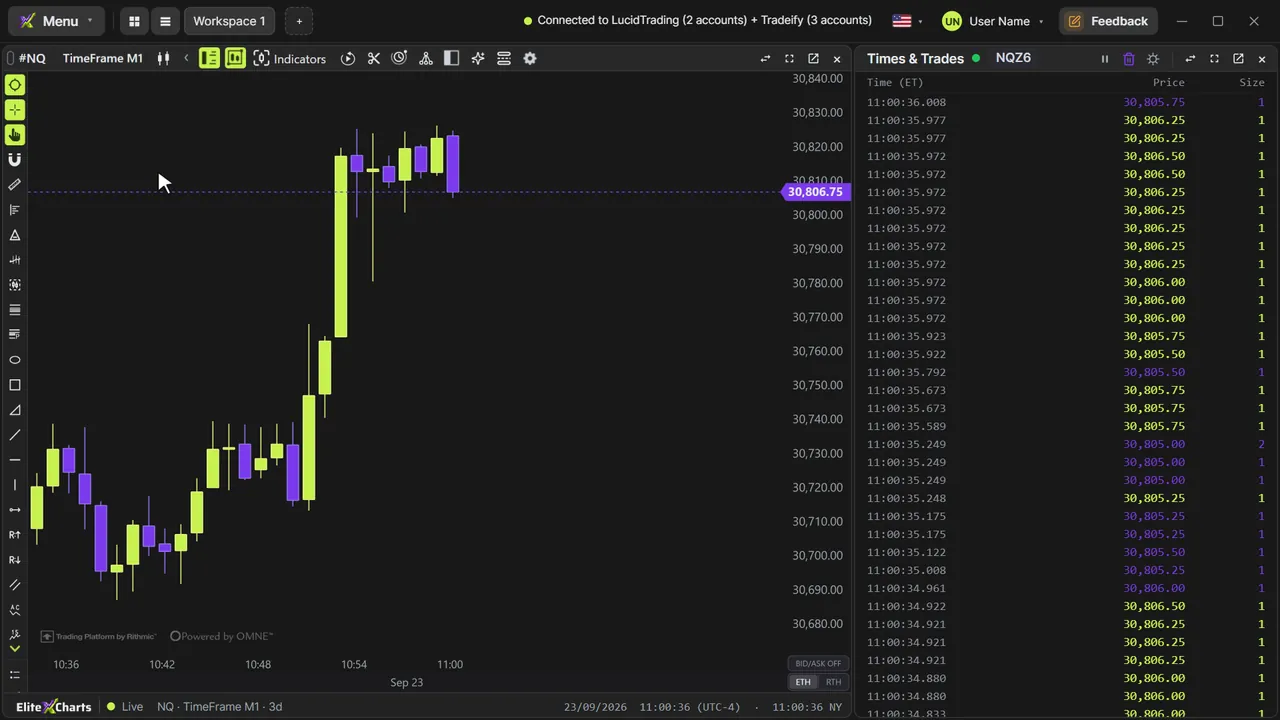
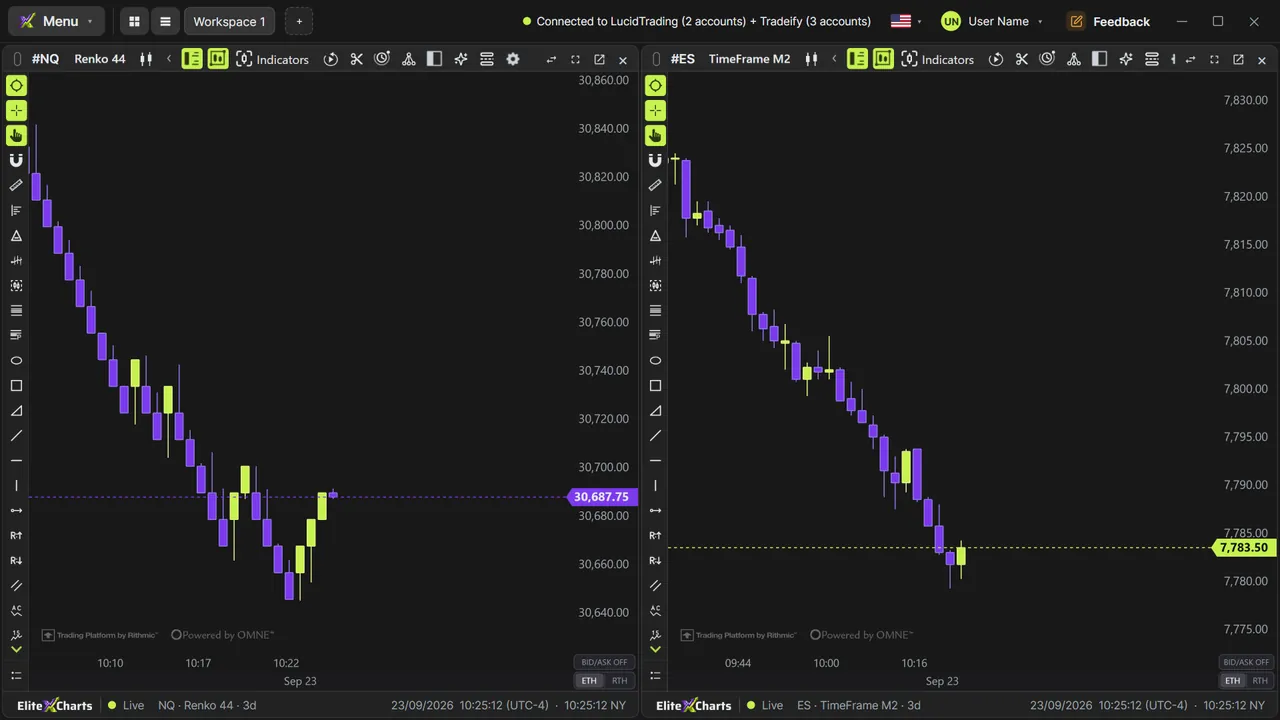
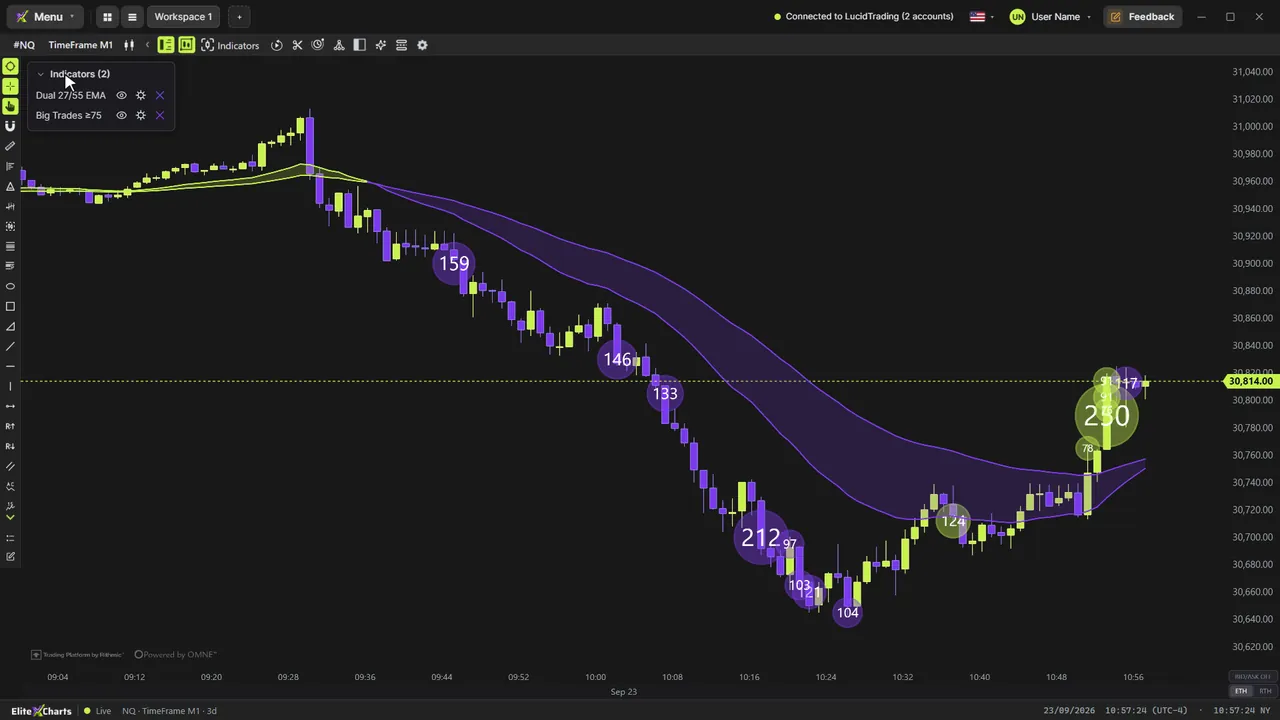
1:12And you're connected. The top bar shows your firm and how many accounts it has, and the profile lists every account on this login. The lock is gone, and the chart loads right away.
1:23Trade with more than one firm? Just add another connection. Each login connects on its own, and every order goes out through the login that owns the account you pick.
1:32Three things to know. Rithmic allows each username in only one place at a time, so close any other platform using the same login before you connect. From Friday's close to Sunday's open, Rithmic runs maintenance, and logins usually fail. And if the connection drops, the platform reconnects by itself.
1:51That's it: your account is connected.