Execution · 1:44
Target and stop on the order (OCO)
Learn to set the target and the stop (OCO) on your order right on the chart in EliteXCharts, in under 2 minutes.
Chapters
Step by step
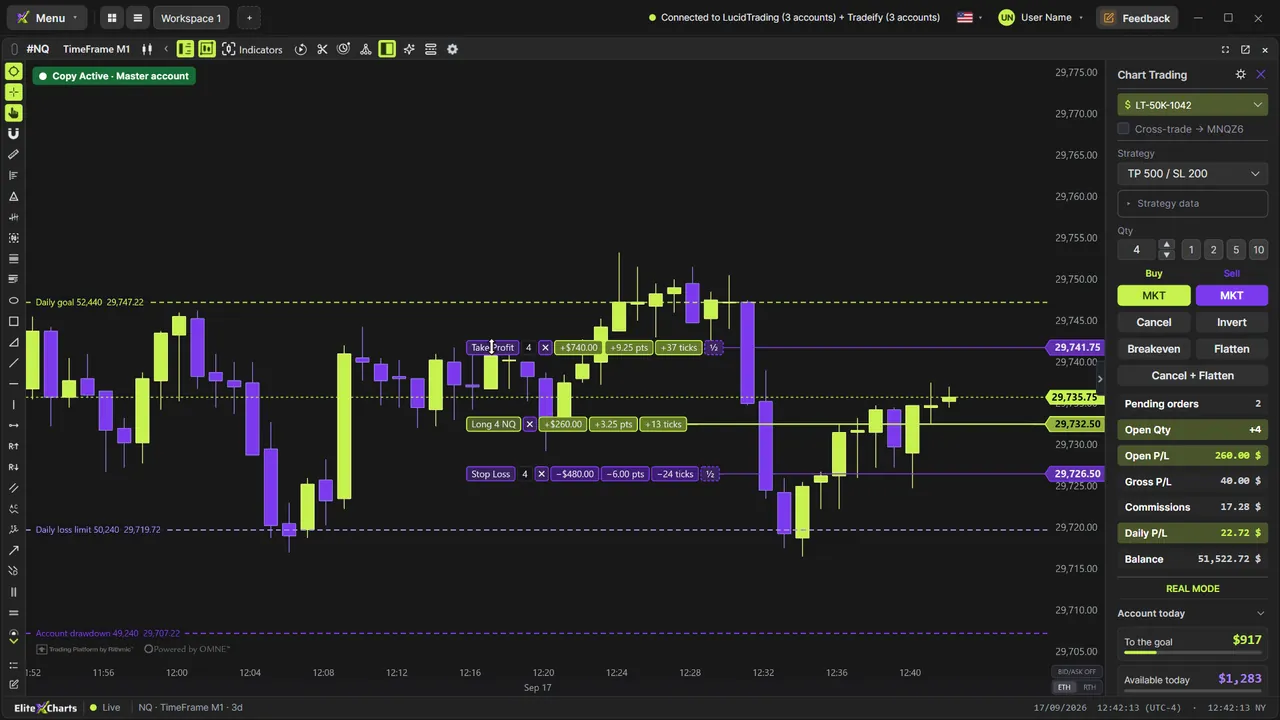
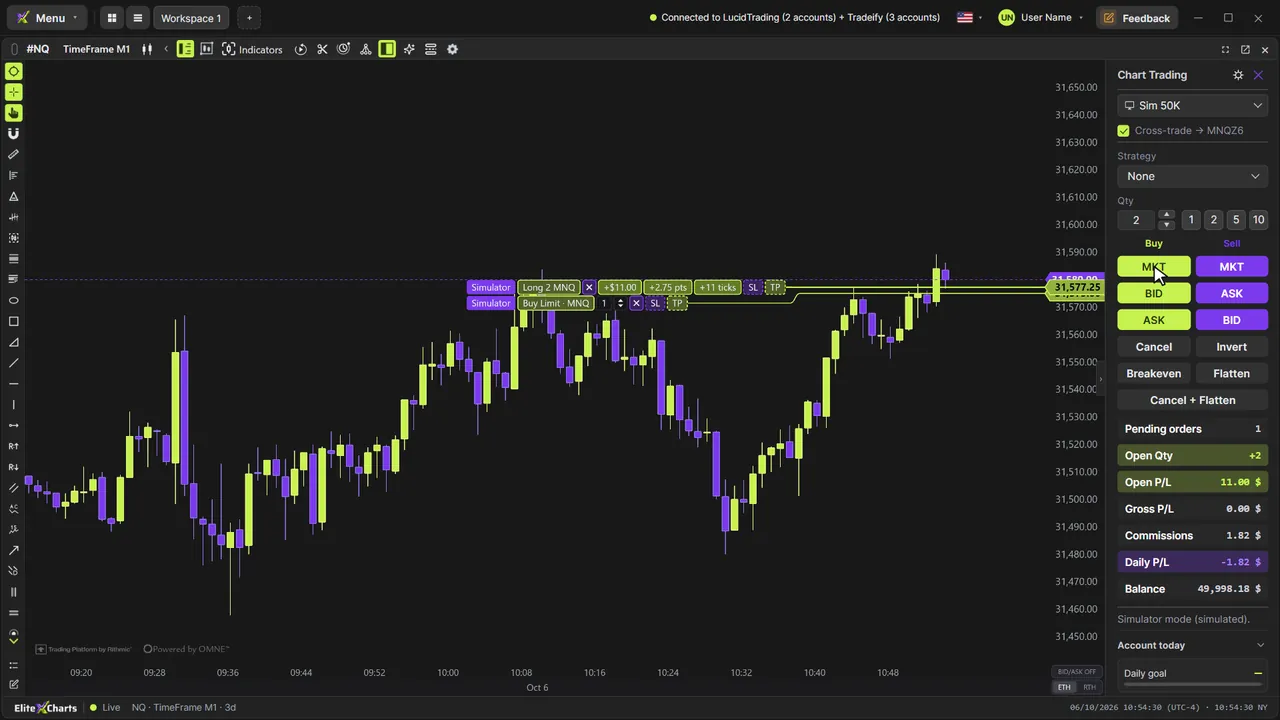
- Buy 2 contracts at market and see the result in dollars, points and ticks, with the TP and SL handles
- Drag TP up for the Take Profit and SL down for the Stop Loss, an OCO pair: one fills, the other is canceled
- Split a leg into partials with the half handle: a target of 2 becomes 1 and 1, and it works on the stop too
- Watch the stop follow the position when a partial fills, and the blue line mark the trade's breakeven
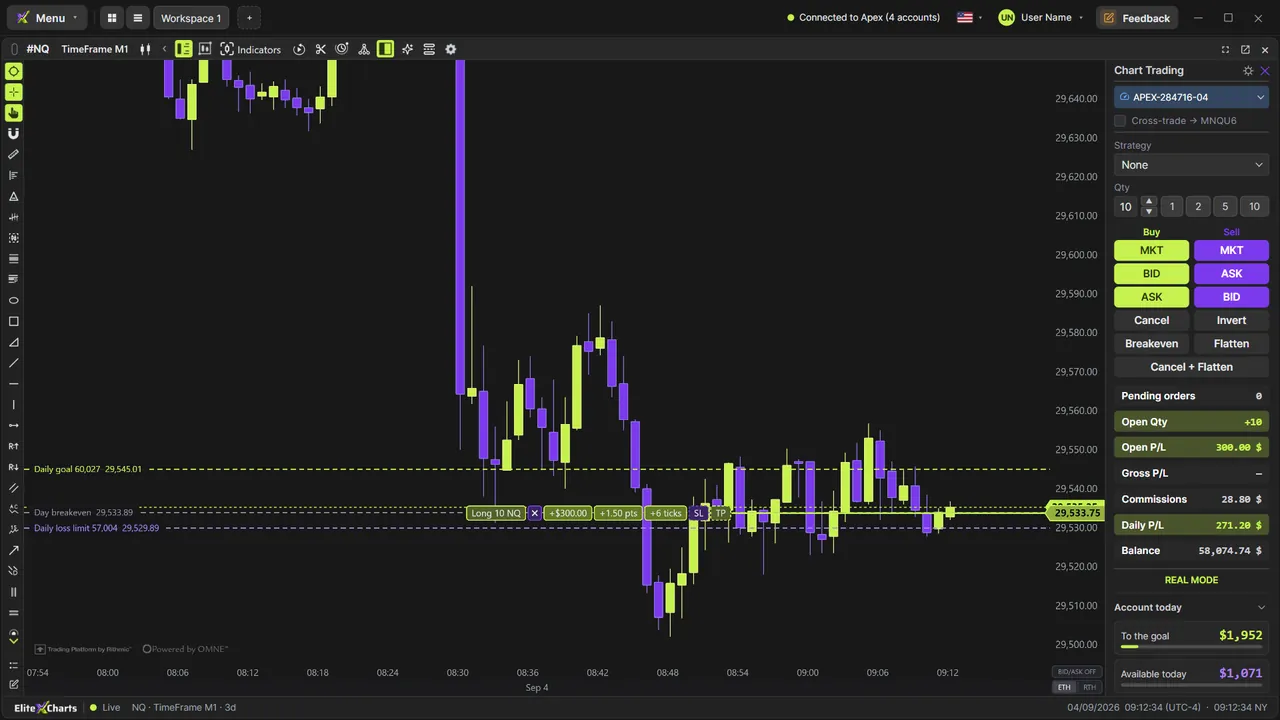
- Move the stop to your entry with Breakeven, which only lights up when the trade is in profit
- Exit at market by dragging any order past the price and releasing it
- Set a custom strategy in ticks, cash or percent, so every order is born with its target and stop
- Turn the position around with Invert, which cancels pending orders, and close it at market with Flatten
What the narrator says
0:08Welcome to EliteXCharts. In this video: the target and the stop on your order, OCO, right on the chart.
0:16Buy 2 contracts at market. The position shows on the chart with its result in dollars, points and ticks, and two dashed handles: TP and SL.
0:26Drag TP up, and the Take Profit is born on the line. Drag SL down for the Stop Loss. They're an OCO pair: when one fills, the other is canceled. To adjust a leg, just drag it.
Read the full transcript
0:39For partials, drag the half handle. The target of 2 becomes 1 and 1: one stays, and the other goes where you drop it. It works on the stop too.
0:49The first partial fills. The stop follows the position on its own, and now protects the one contract left. The blue line is the trade's breakeven, with the partial counted.
0:59In profit, Breakeven moves the stop to your entry. The button only lights up when the trade is positive.
1:06Drag any order past the price and release it: it executes at market. Here, the target goes below the price, and the trade closes in profit.
1:15To have every order born with its target and stop, pick a Strategy. In Custom, set the gain and the loss in ticks, cash or percent. Now the market order comes with both.
1:26Invert turns the position around in one order, twice the size, and cancels the pending ones. Flatten closes it at market.
1:34That's the target and the stop on your order: OCO, partials, breakeven and exits in one click.