Execution · 1:59
Copy Trading
Learn Copy Trading in EliteXCharts: trade one account and the others follow, in under 2 minutes.
Chapters
Step by step
- Create a group with a Master account and followers, each with its ratio: 1 copies the size, 2 doubles it
- Set a follower to Inverse (opposite side): a hedge most prop firms forbid, so the platform warns you first
- Turn the group on with play, and keep it inside one login: prop firms don't allow copying between users
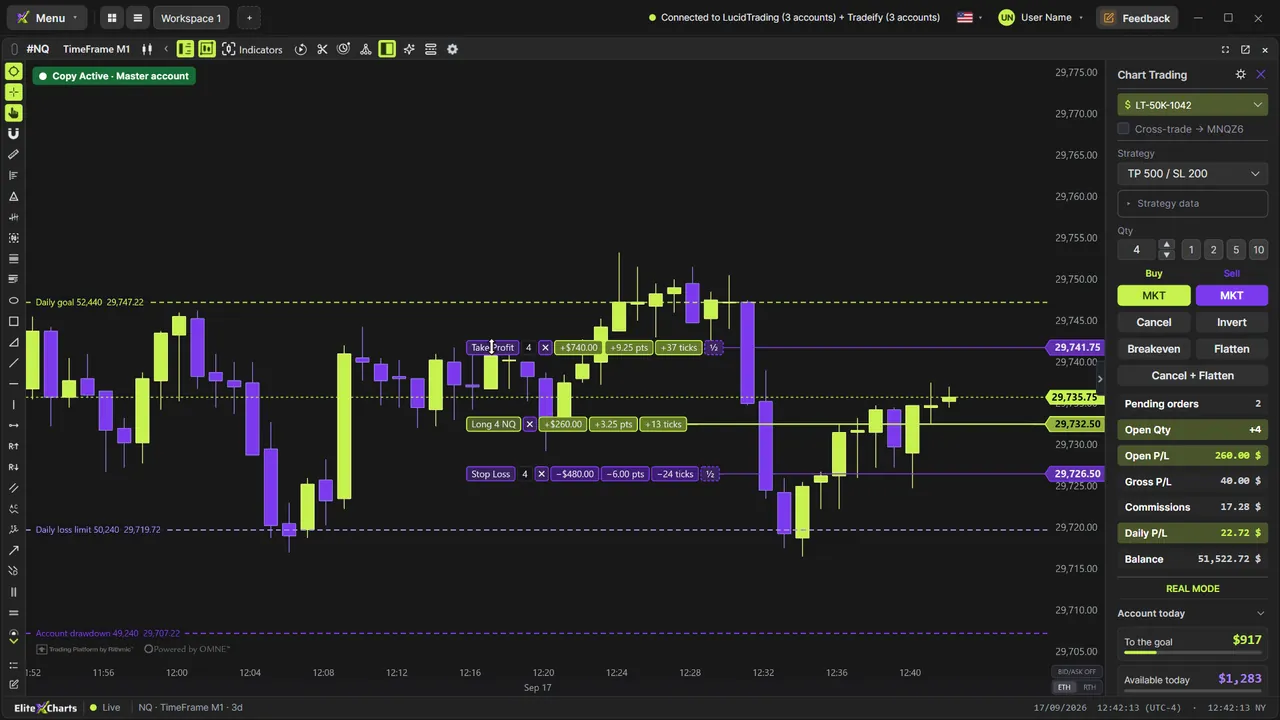
- Spot the Copy Active badge on the chart, and add a Copy section to Chart Trading from the toolbar
- Buy on the Master and watch every follower mirror in parallel, with status, position and P&L in Chart Trading
- Drag a Master limit order and its twins on the followers move with it; past the price, all fill at market
- Pause a follower and nothing is canceled; its red button turns it off, cancels its orders and flattens it
- Flatten the Master and active followers flatten too; turn a paused one back on and the reconciler syncs it
What the narrator says
0:08Welcome to EliteXCharts. In this video: Copy Trading. Trade one account, and the others follow.
0:15In the Copy Trading panel, click New group. Pick the Master account, then add the followers. Each one has its ratio: 1 copies the same size, 2 doubles it.
0:27And Inverse makes a follower take the opposite side: a hedge. Most prop firms forbid it, so the platform warns you first.
Read the full transcript
0:35A new group starts off: press play on the Master row to turn it on. And keep each group inside one login: prop firms don't allow copying between different users.
0:46On the chart, the badge shows Copy Active and the Master account. The toolbar button adds a Copy section to Chart Trading.
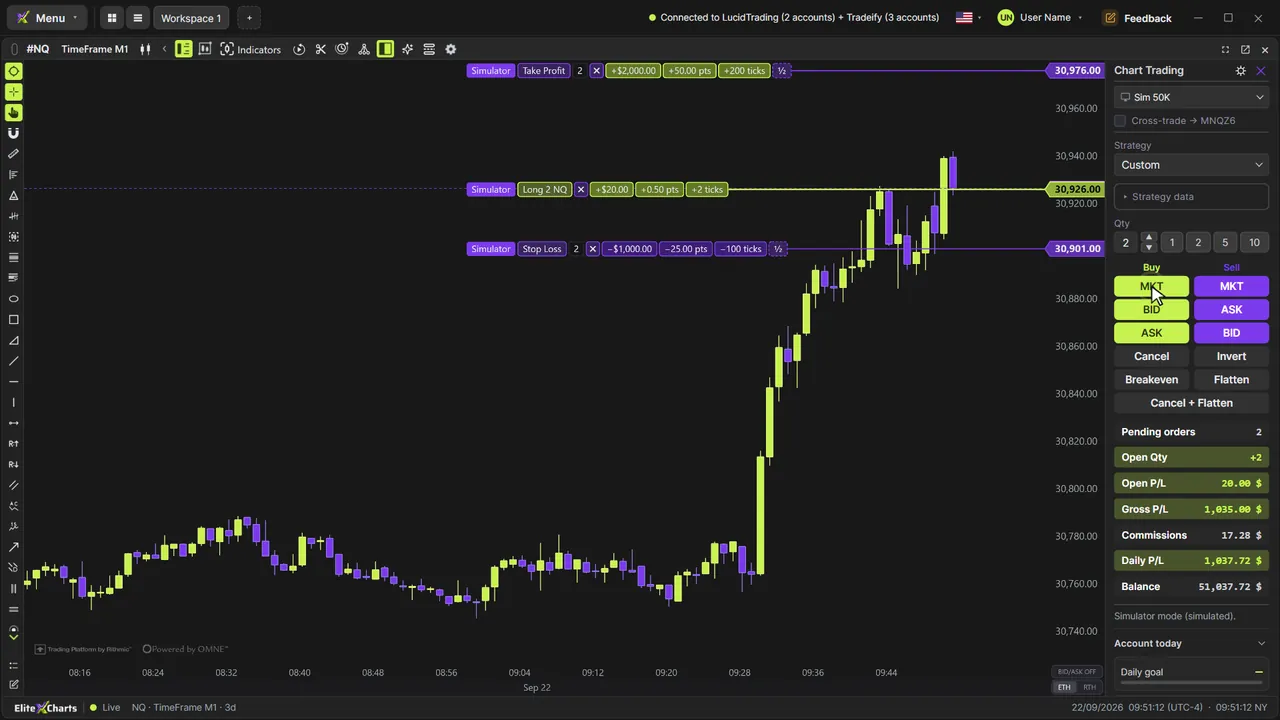
0:53Buy one on the Master. At the same moment, every follower sends its own order, in parallel: Mirroring, then Synced. The ratio 2 account buys two, and the inverse one sells one.
1:06Open the arrow in Chart Trading's Copy section to follow every account right there: status, position and P&L.
1:14Every Master order has a twin on each follower. Place a limit and drag it: the twins move with it. Drag it past the price, and they all fill at market.
1:24Pause a follower, and it stops following. Nothing is canceled. The Master adds one, and only the active followers add with it.
1:32The red button on a follower turns it off, cancels its orders, and flattens it, in one click.
1:38Flatten the Master, and every active follower flattens with it.
1:43Turn the paused follower back on. The reconciler compares it with the Master and fixes it at market, within a second: Syncing, then Synced.
1:52That's Copy Trading: one execution, every account in sync.