Charts & analysis · 1:52
Chart types
Learn to choose how your candles close (TimeFrame, Seconds, Renko, Tick and Delta) in EliteXCharts, in under 3 minutes.
Chapters
Step by step
- Open the candle type and size picker from the chart header: five rows, each with its own sizes
- Use TimeFrame to close candles by the clock, from one minute to a week
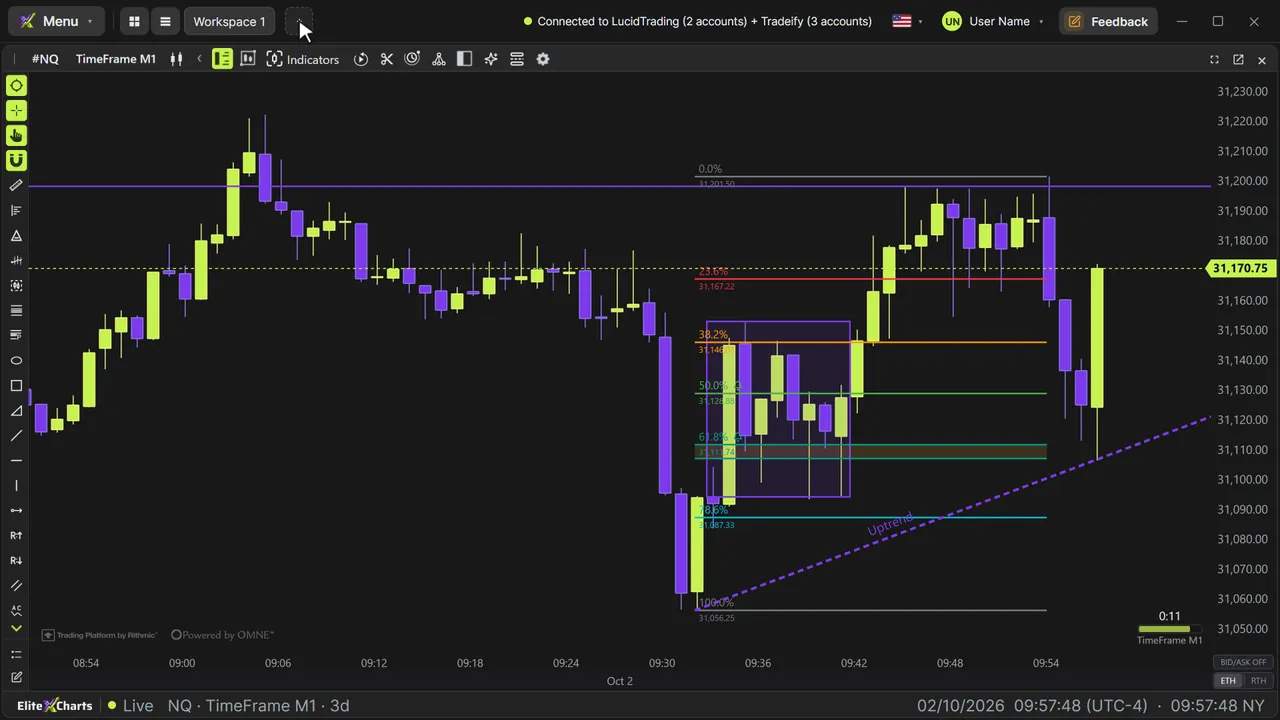
- Read the bar close counter: the time left, with a bar that fills as the candle forms
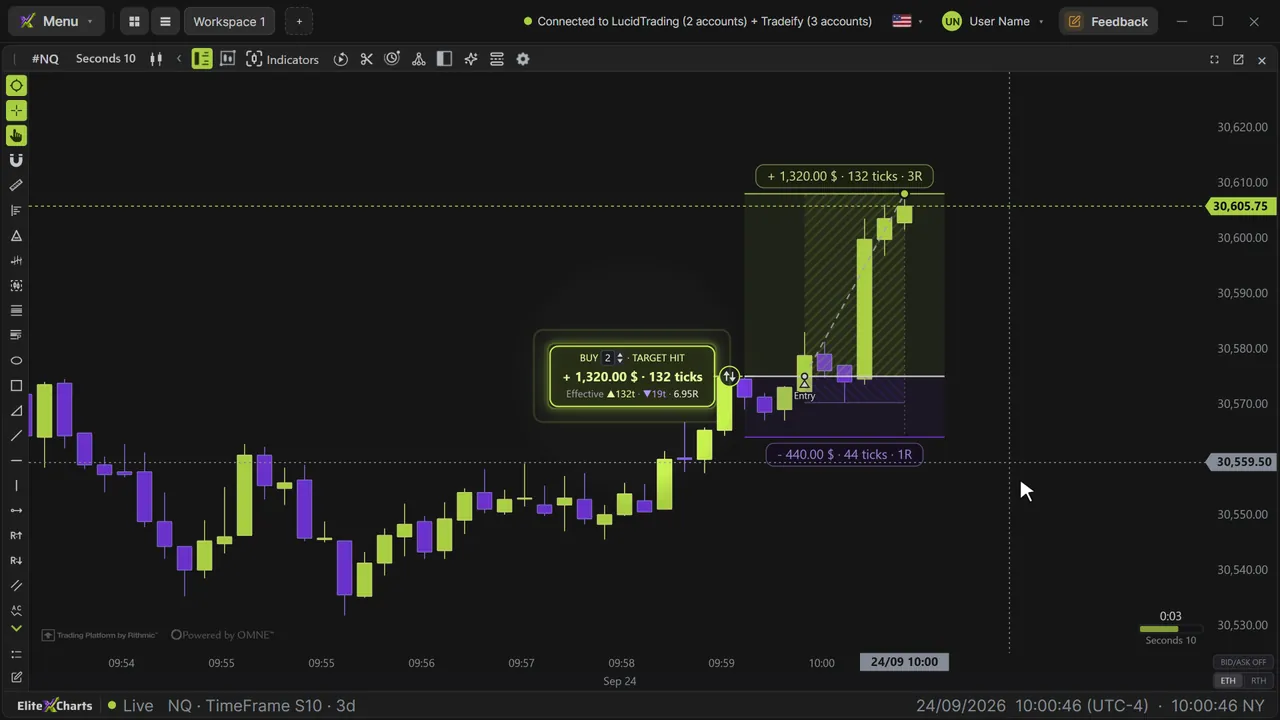
- Switch to Seconds for faster charts, from 5 to 30 seconds
- Use Renko to close bricks by price, with a two-brick reversal and wicks that keep the real path
- Use Tick to close a bar every N trades, and watch bars pile up when the market speeds up
- Use Delta to close a bar when net aggression reaches the size, with a counter that goes up and down
- Add your own sizes with +, delete one with a right-click, set the days of history and Apply
What the narrator says
0:08Welcome to EliteXCharts. In this video, you'll see the chart types: TimeFrame and Seconds, Renko with wicks, Tick and Delta, plus the counter that shows when each bar closes.
0:20The chart type is on the chart header. Click it to open the picker: five rows, each with its own sizes.
0:27TimeFrame closes by the clock: one minute, five minutes, one hour. Every candle takes the same time, whether the market is quiet or busy.
Read the full transcript
0:37In the corner, the counter shows how long is left before the candle closes, and its bar fills as time goes by.
0:45Seconds works the same way, for faster charts: from five to thirty seconds.
0:51Renko closes by price. Each brick is a number of ticks: Renko forty-four is eleven points on the NQ. To turn around, price has to move two bricks the other way.
1:03The wicks keep the path price took before each brick closed.
1:08Tick closes after a number of trades. When the market speeds up, bars pile up; when it slows down, each bar takes longer. The counter shows the trades so far.
1:20Delta closes when buying minus selling aggression reaches the size, up or down. The counter goes up and down with every trade.
1:30Need another size? Click the plus, type it, and press Enter. It stays on the list. Right-click a size to delete it.
1:37Set how many days of history the chart loads, and click Apply. The whole chart is rebuilt in the new type.
1:45That's chart types in EliteXCharts: choose how your candles close.